

Every month, we’re hosting a one-hour LinkedIn Live to showcase all our latest product updates. For this first session, we’re looking back at the key releases from the past few months:
- Matching – New widget to integrate your ambassadors directly onto your website
- Matching – New feedback loop to collect ambassador insights after prospect interactions
- Matching – Review module for prospects to rate the quality of their interactions
- Matching – Various optimizations for campaign creation and configuration
- Matching – Redesigned onboarding experience and prospect needs qualification
- Platform – Advanced admin role management
- Integration – WordPress Plugin
Watch the LinkedIn Live Replay
Check out the latest updates from your favorite ambassador platform
Every month, our team goes live on LinkedIn to present all the features launched over the past few weeks. To catch the next sessions, follow Edouard (CEO of Magma Ambassador) on LinkedIn. You can also find all replays on our YouTube channel.
A new widget to embed your ambassadors across your site and drive more leads
Watch the video on the new widget.

Today, we’re launching a fresh design for our Matching widget, along with several new layout options. These widgets serve a dual purpose:
- Showcase your ambassadors on your website, subpages, and landing pages.
- Boost lead generation by making it easier for prospects to talk to real customers rather than a sales rep.
Button Widget: Your ambassadors in every corner of your site
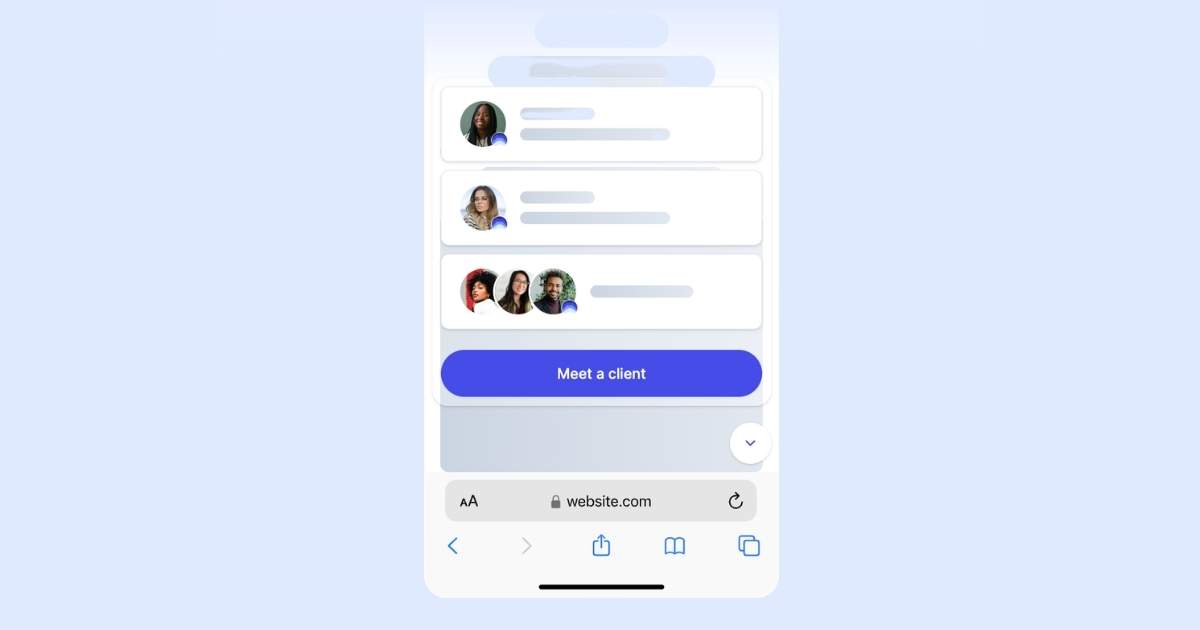
This first option is a discreet button that lives in the corner of your site. It stays fixed in position—bottom, top, left, or right. Your ambassadors’ profiles are displayed, and with a single click, visitors can be matched instantly.
Banner Widget: Pin your ambassadors to the top or bottom of your pages
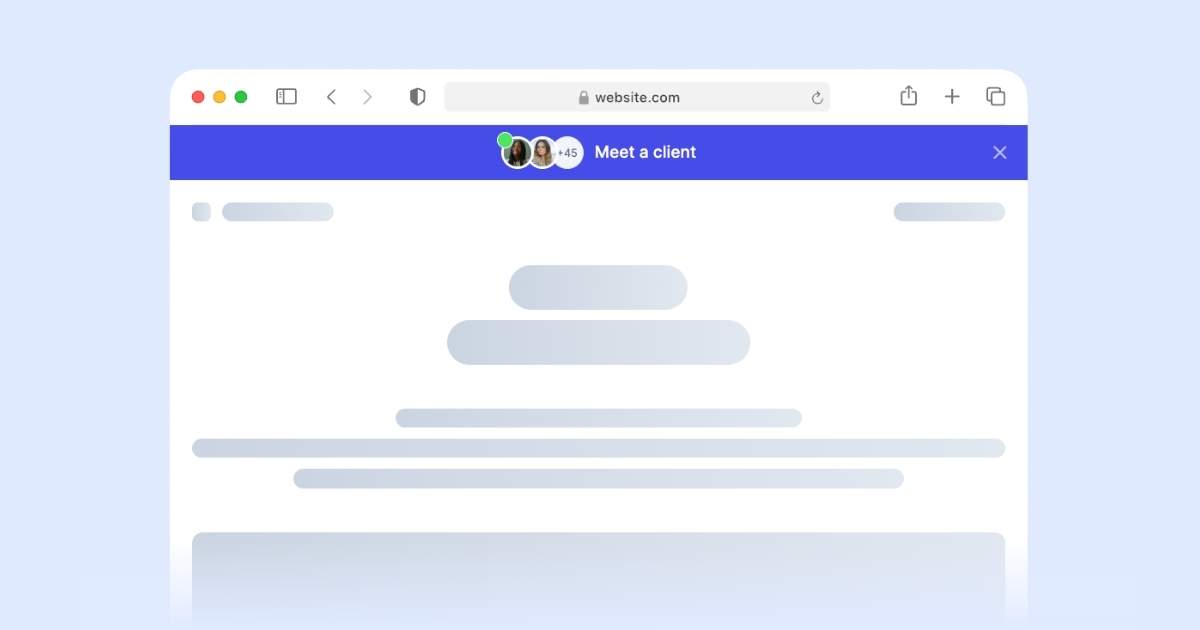
This second option follows the same visual style as the button widget but spans the full width of your pages. This fixed banner follows users as they navigate, ensuring high visibility throughout their journey.
Profile Block Widget: Native integration within your content
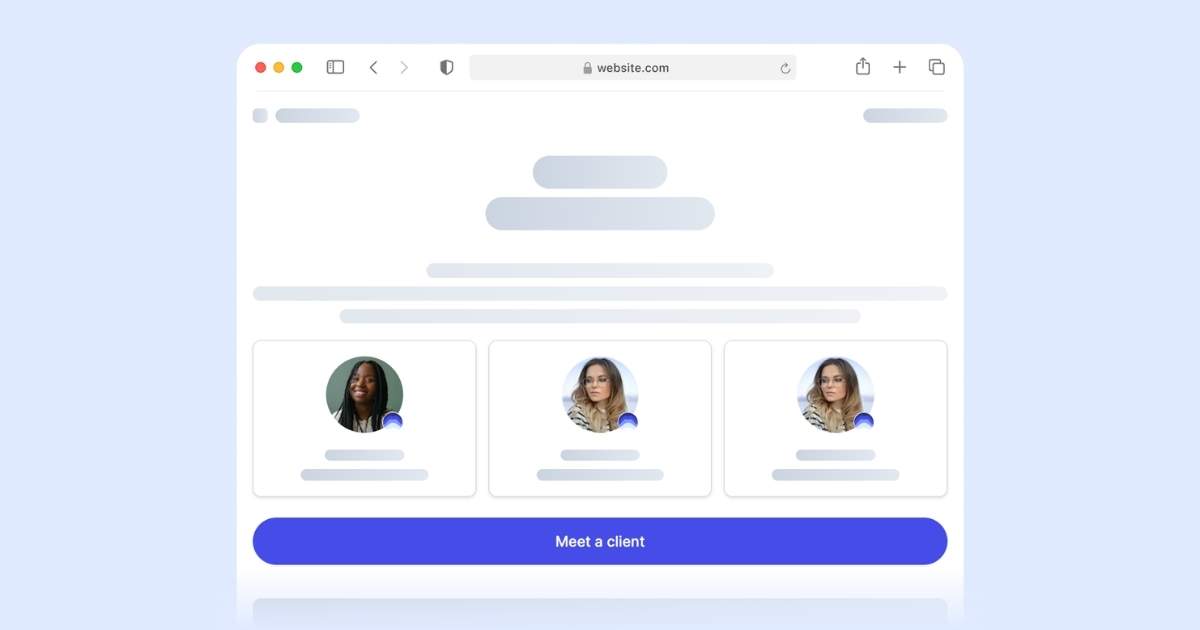
This third option is a complete departure. It integrates directly into your page elements as a "block" that you can place anywhere—landing pages, blog posts, etc. It’s fully responsive and adapts its layout based on the available space.
Full Page & Embeds: Direct form integration

This final option allows you to embed the matching form directly into a page. While this streamlines the matching experience by removing a step, it offers less visual emphasis on the ambassadors themselves compared to the other widgets.
A new feedback experience: Collecting insights during and after peer-to-peer interactions (Matching). Goal: Provide deeper insights into your prospects and ambassadors.
Watch the video on the new experience.
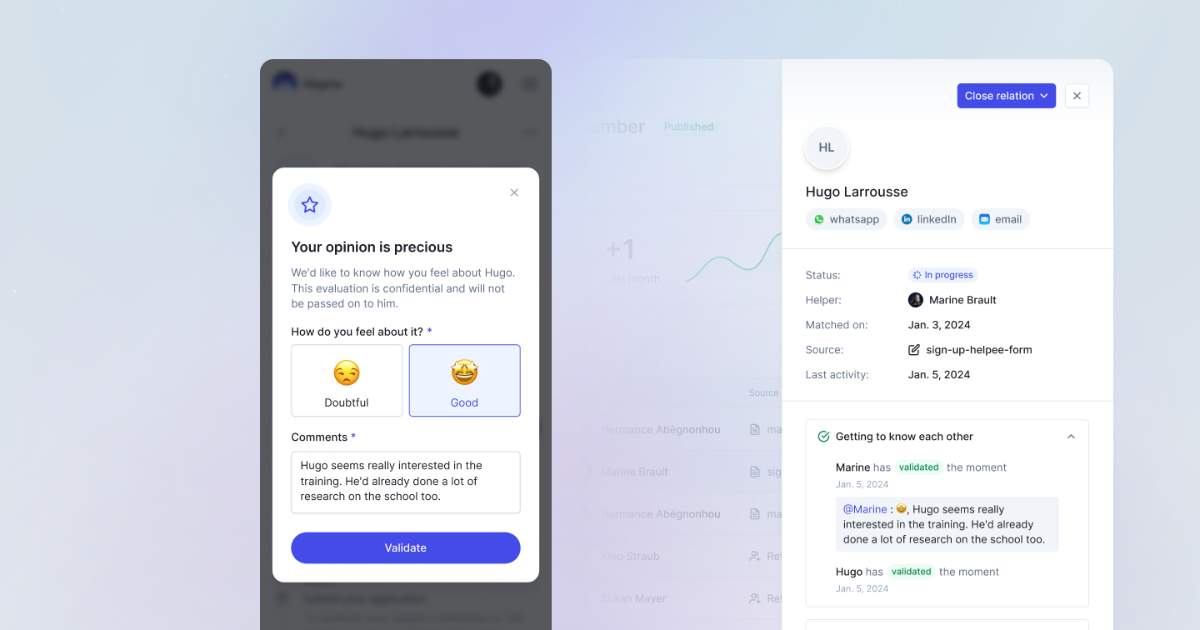
Feedback is a cornerstone of the Magma experience—both for your users and for you as a client. It helps qualify the individuals involved in every interaction. This data is now collected and synced directly within Magma or your CRM. We’ve revamped three key areas of the Matching feature:
- Ambassador feedback on prospects
- Prospect feedback on ambassadors
- Initial prospect needs (the first step of the qualification process)
Collect ambassador feedback to qualify your prospects
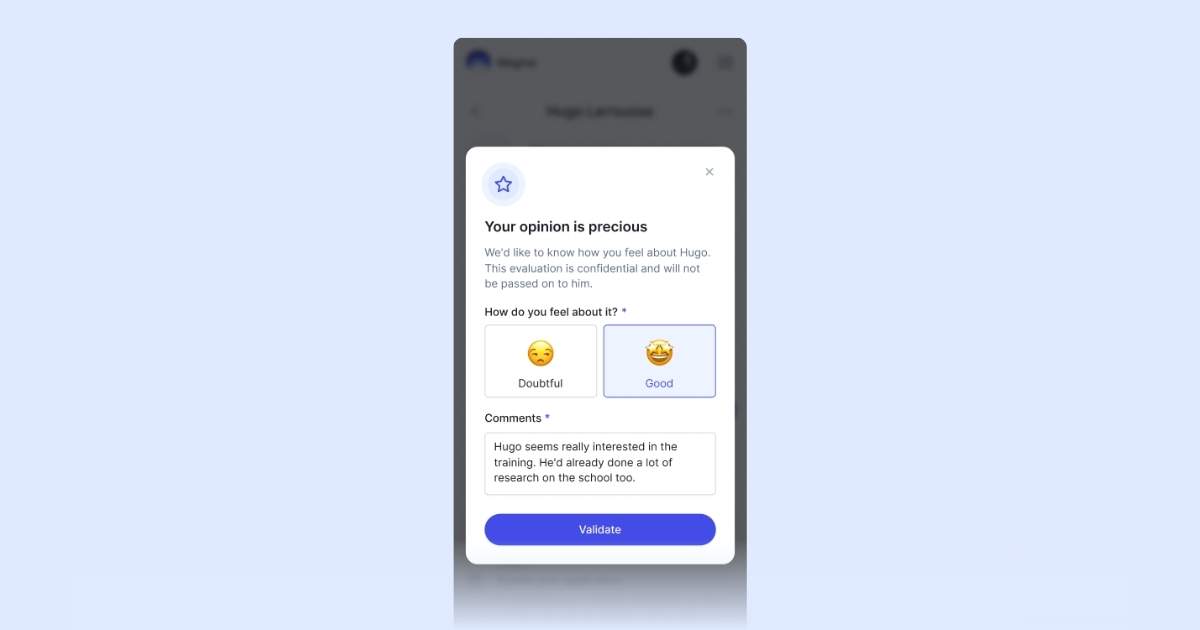
In this first redesign of the relationship flow, we now prompt your ambassadors for input. The form includes a quick rating step using emojis and an open field for brief qualitative feedback.
Collect prospect feedback to evaluate your ambassadors
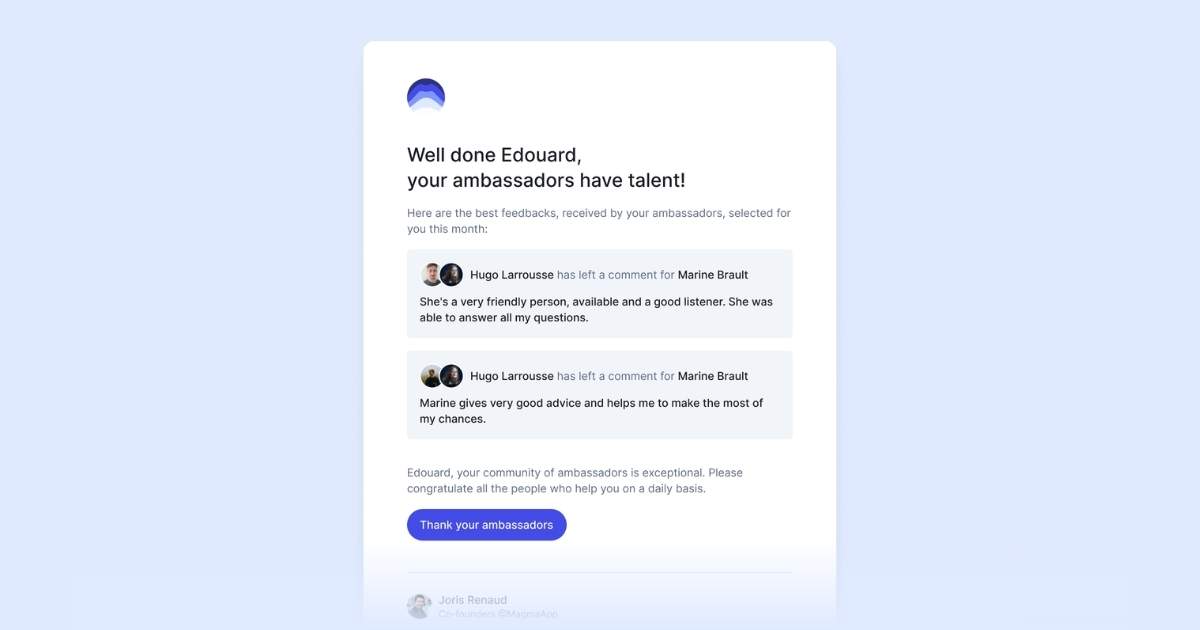
This part mirrors the ambassador flow but focuses on prospect input. It’s a crucial moment to gather testimonials and take the time to thank the ambassadors who are doing an incredible job for your brand!
A redesigned onboarding flow: More human, more qualified

Over the past few months, the Magma Ambassador team has overhauled the initial peer-to-peer connection experience. We now collect more detailed information from prospects so they can clearly state their expectations before being matched with the right ambassador.
Enhanced Admin Roles: Introducing Super Admins and Standard Admins
Watch the video on the new admin roles.
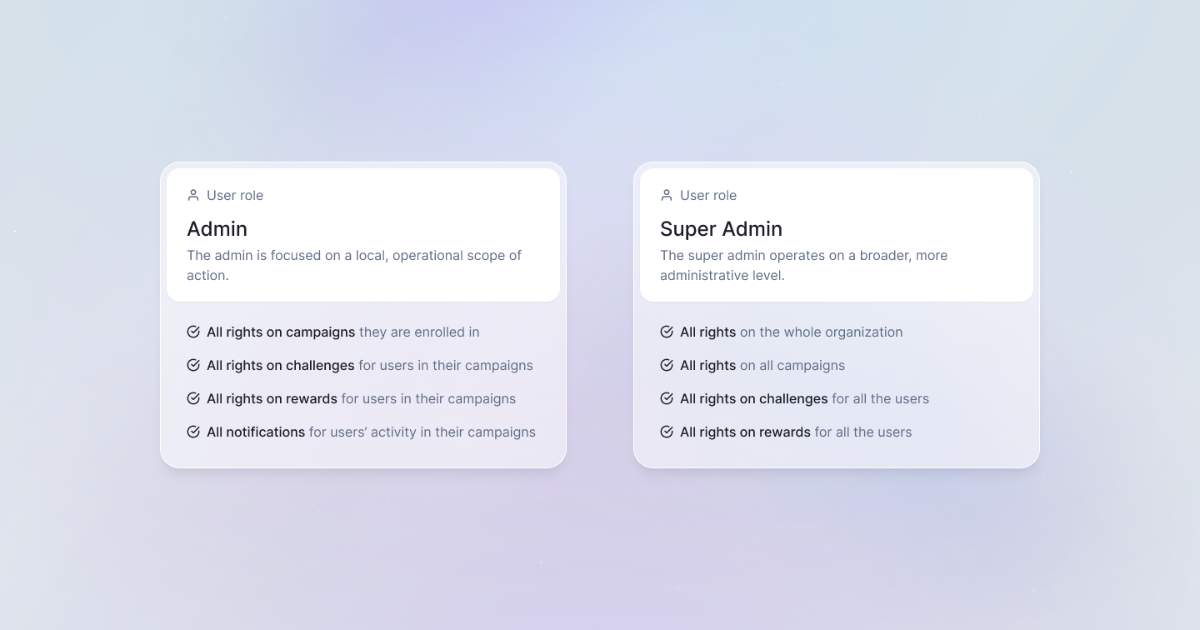
As Magma Ambassador platform, introducing granular role management was a natural next step. We now support clients with complex permission requirements by offering two distinct admin types:
- Super Admin: Full access and editing rights across the entire platform.
- Admin: Full view and validation rights, but restricted from editing core settings.
Integration: Launching the WordPress Plugin to add ambassadors directly to your CMS
Watch the video on the Magma WordPress plugin.
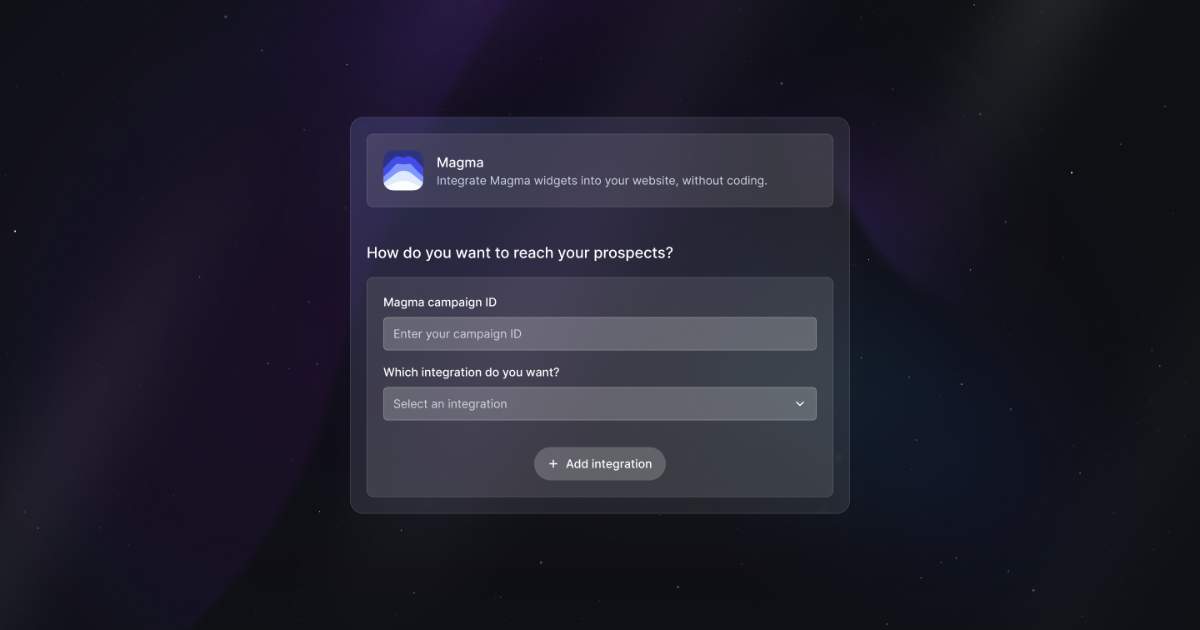
Integrating Magma ambassadors into a WordPress site used to be a bit clunky. Today, we’re launching our dedicated WordPress plugin. In just a few clicks, you can effortlessly embed the widget of your choice directly into your WordPress CMS.
See you in July for the next round of Magma Ambassador updates!
